
Visual Studio
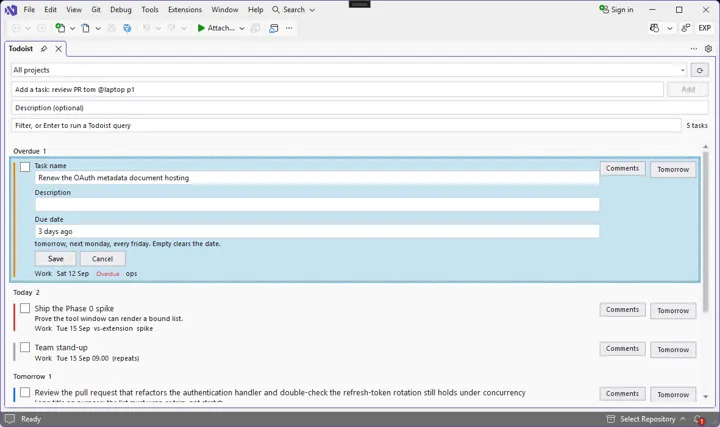
Todoist for Visual Studio
Your Todoist tasks, inside Visual Studio.
- C#
- VSIX
- OAuth 2.0 + PKCE
- Todoist API

Visual Studio NewPreview
Your TickTick lists, inside Visual Studio.
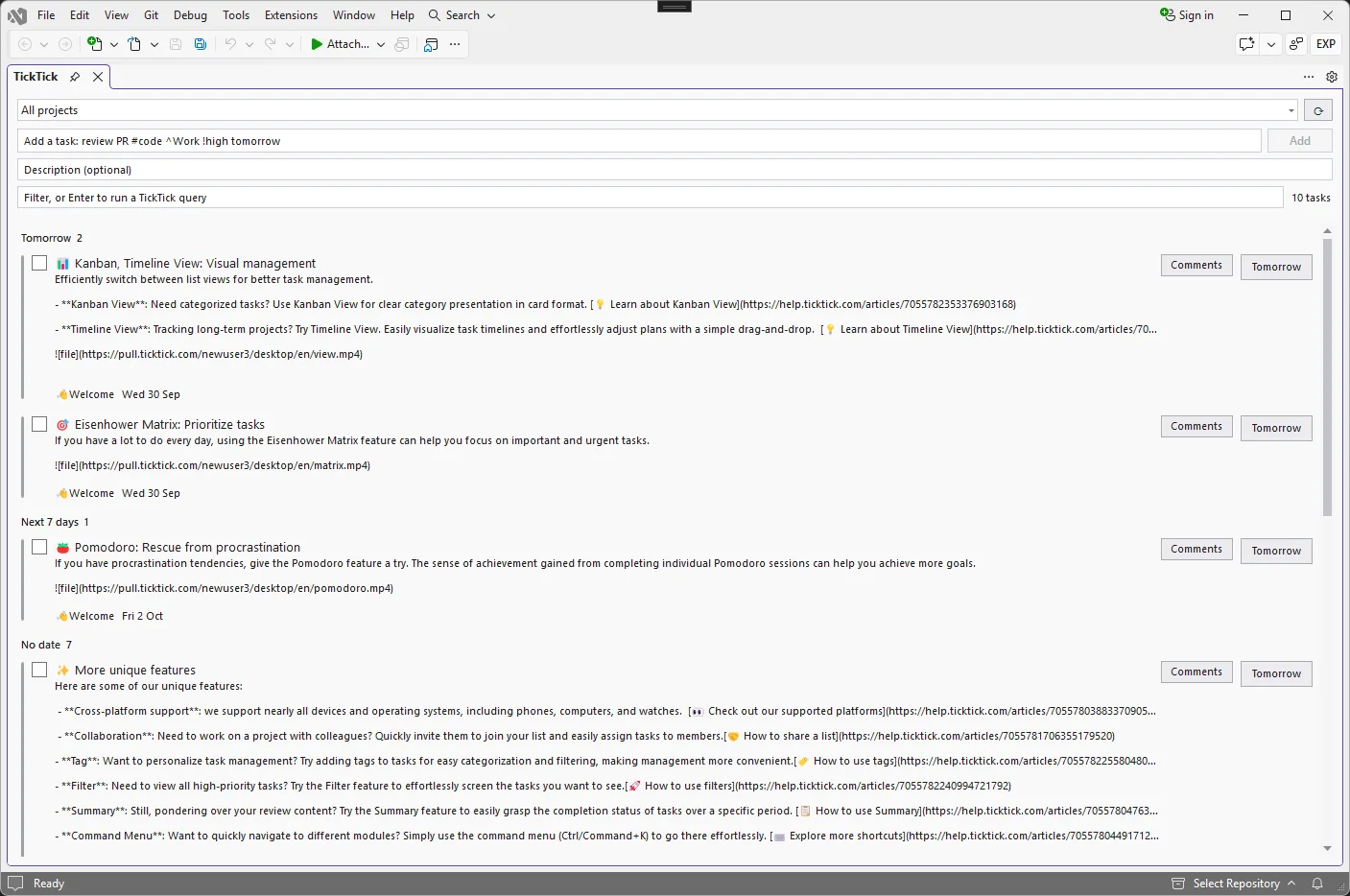
Manage your TickTick tasks without leaving Visual Studio. Browse and filter open tasks, add and complete them, capture a task from the code you are looking at, and attach each Visual Studio window to a project.
In TickTick, open your avatar → Settings → Account → API Token.
In Visual Studio, choose Extensions → Sign in to TickTick and paste the token.
Extensions → TickTick Tasks, or press Ctrl+Alt+Shift+T.
Select code and press Ctrl+Alt+Shift+A. The first line becomes the title, with the file and line in the description.
Visual Studio
Your Todoist tasks, inside Visual Studio.

Browser
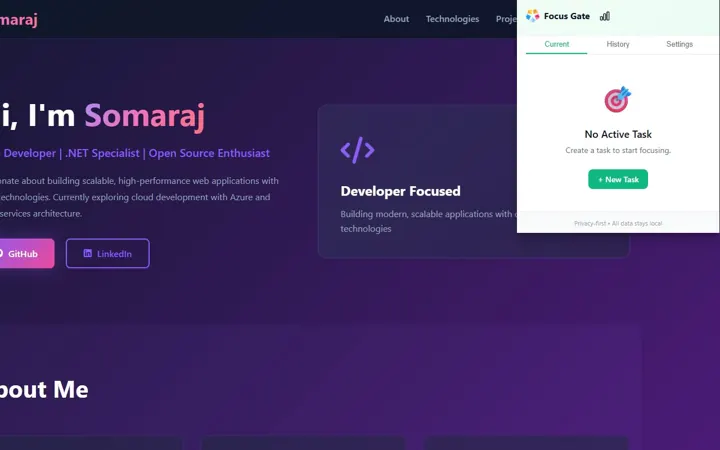
A gatekeeper for your attention.

Browser
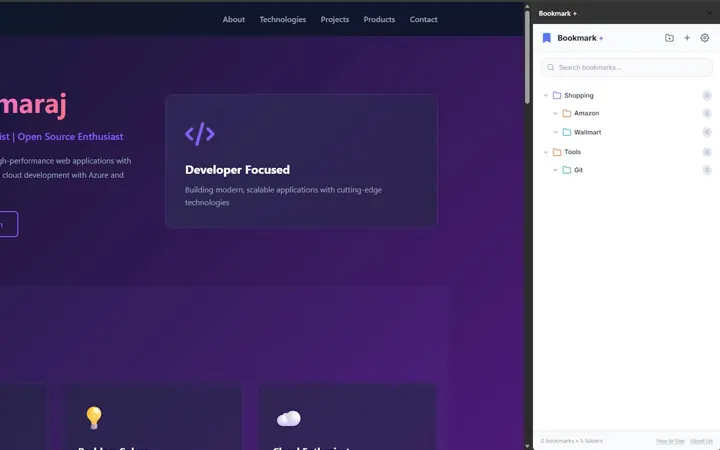
Bookmarks for people who keep everything.